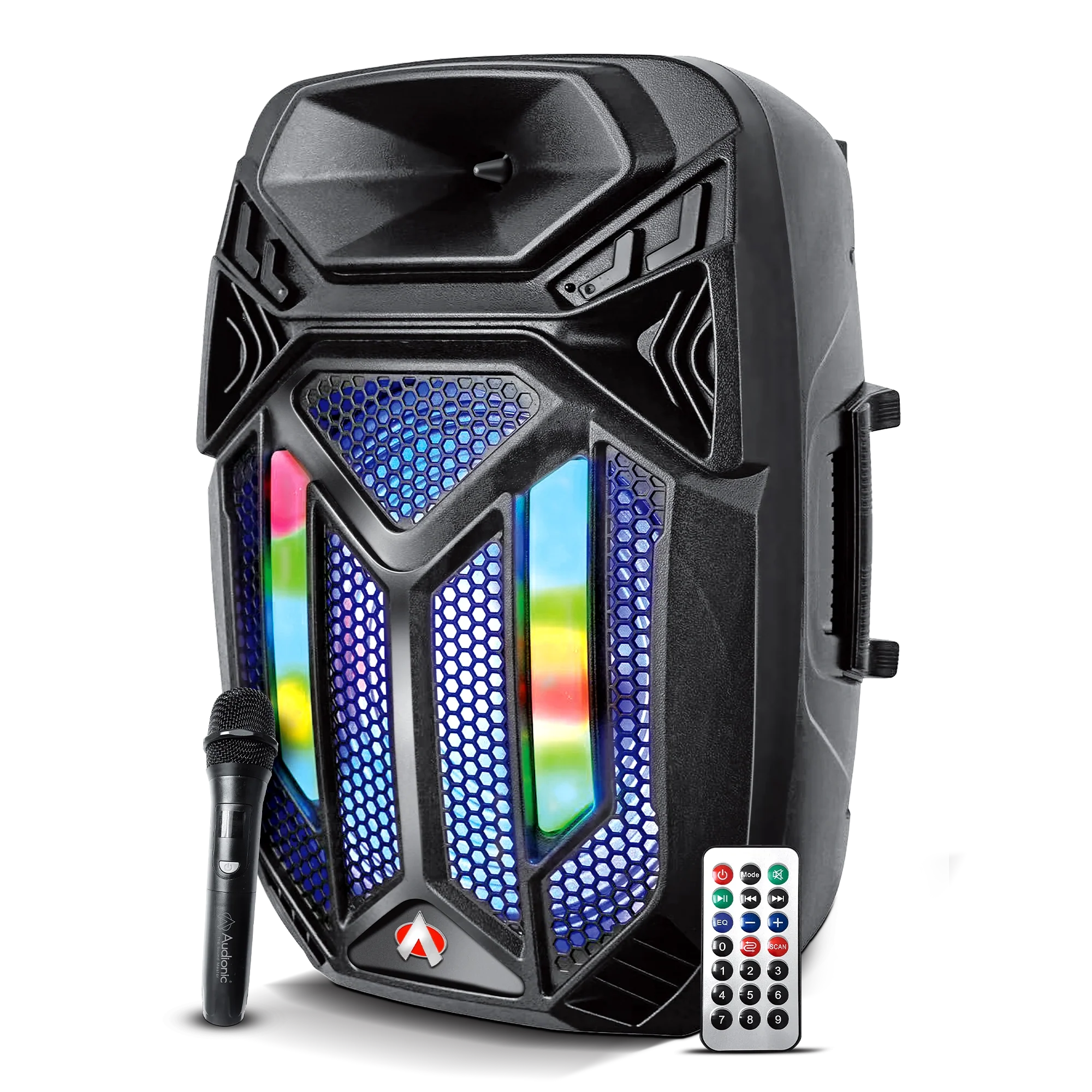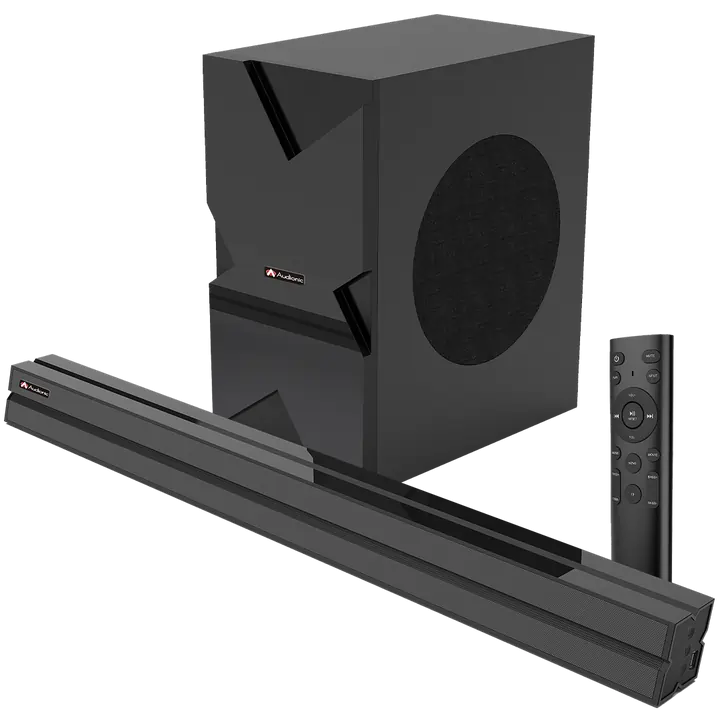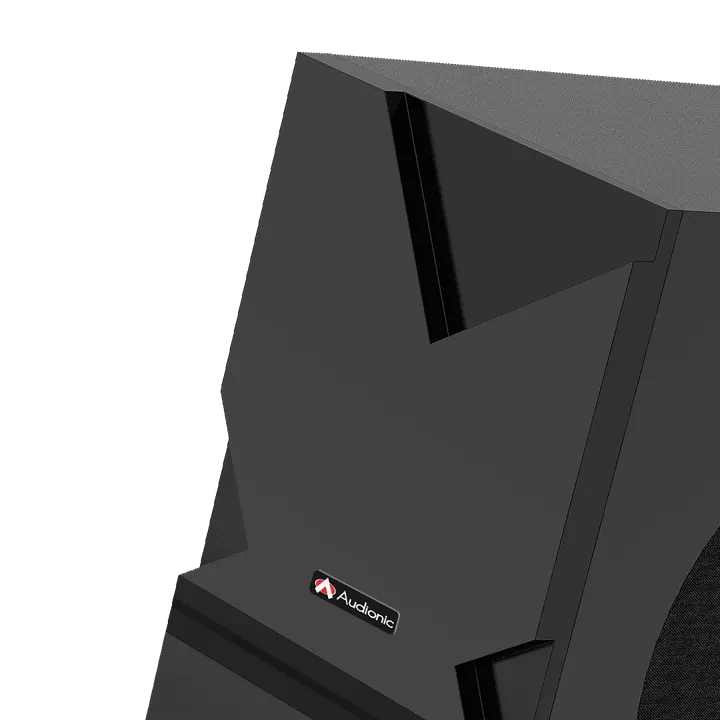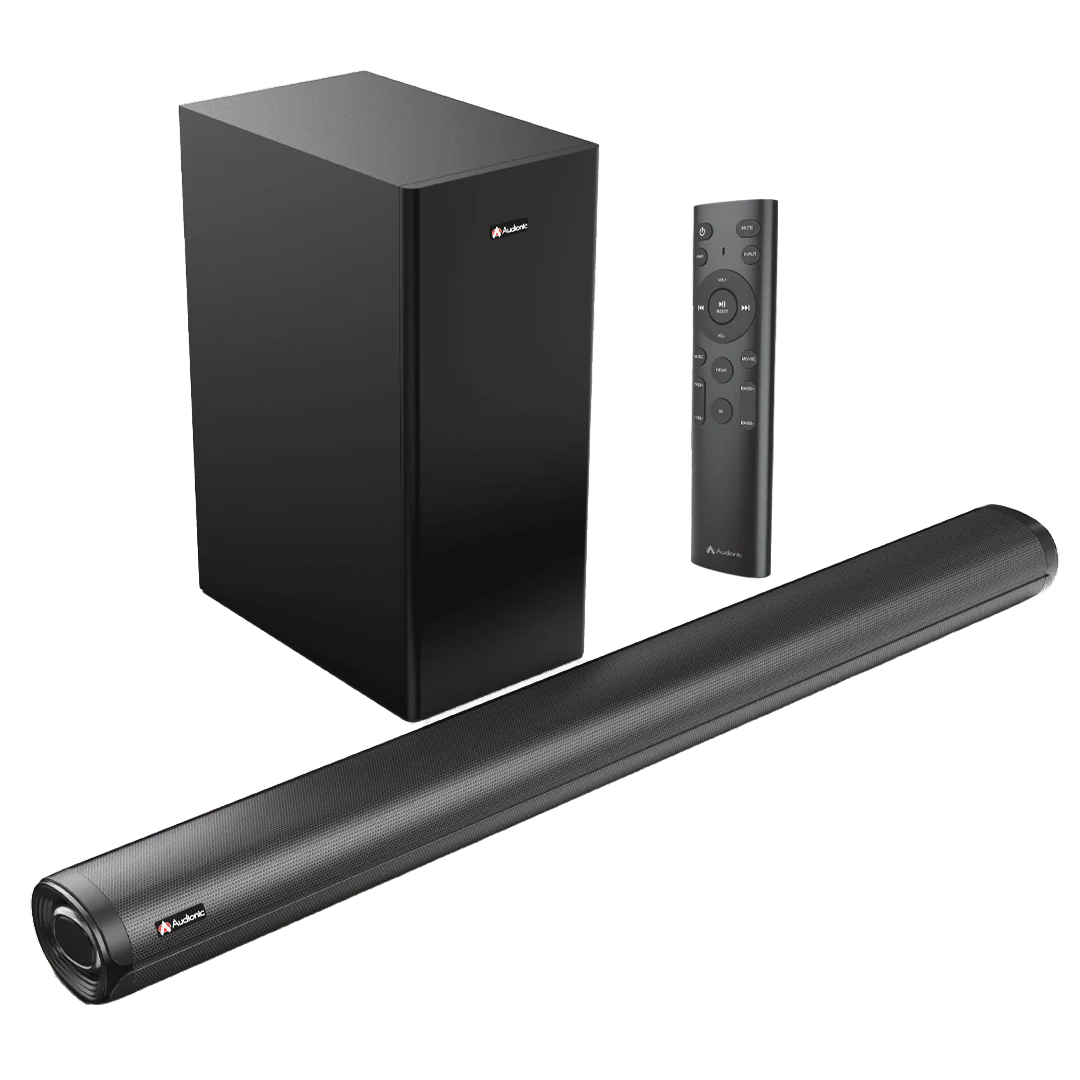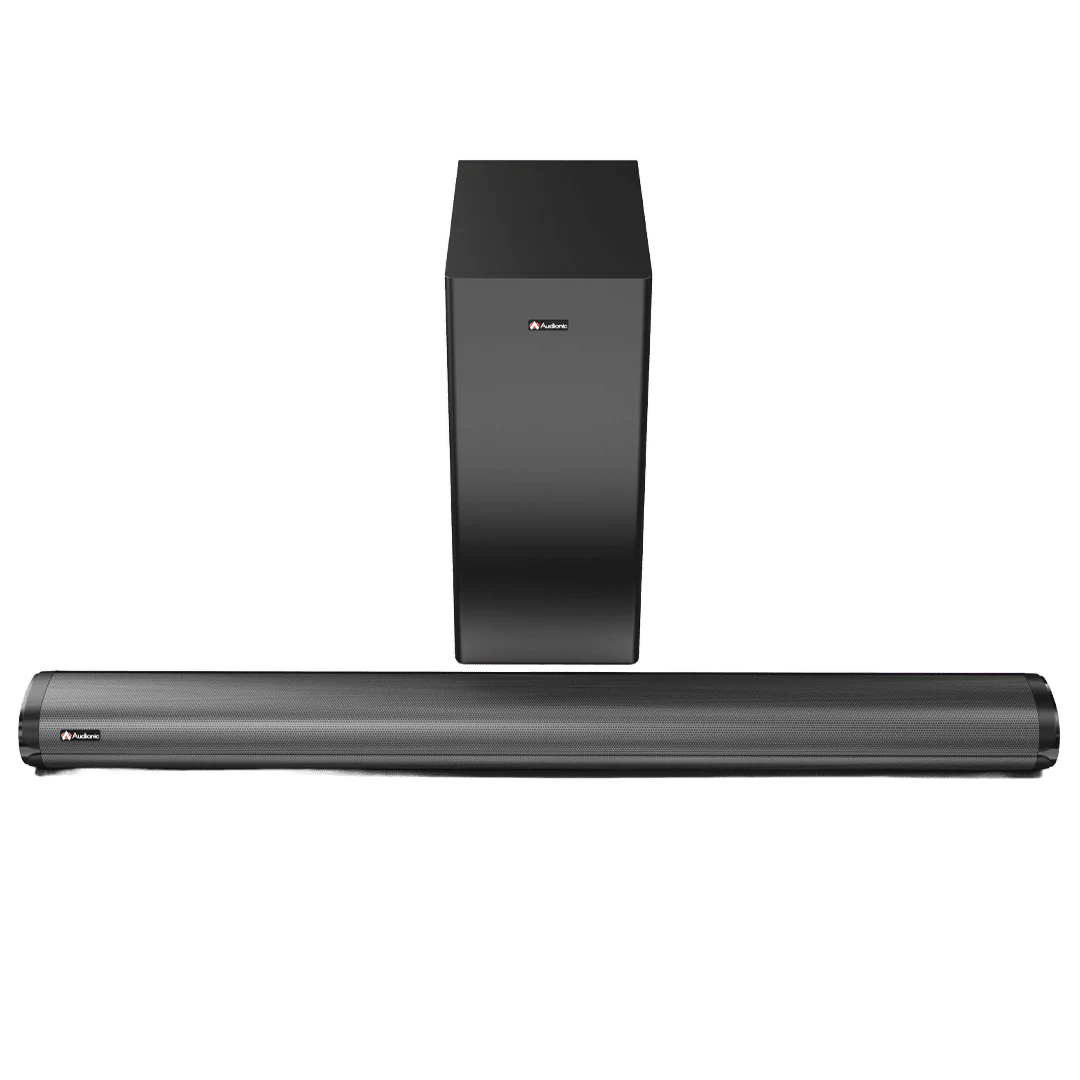
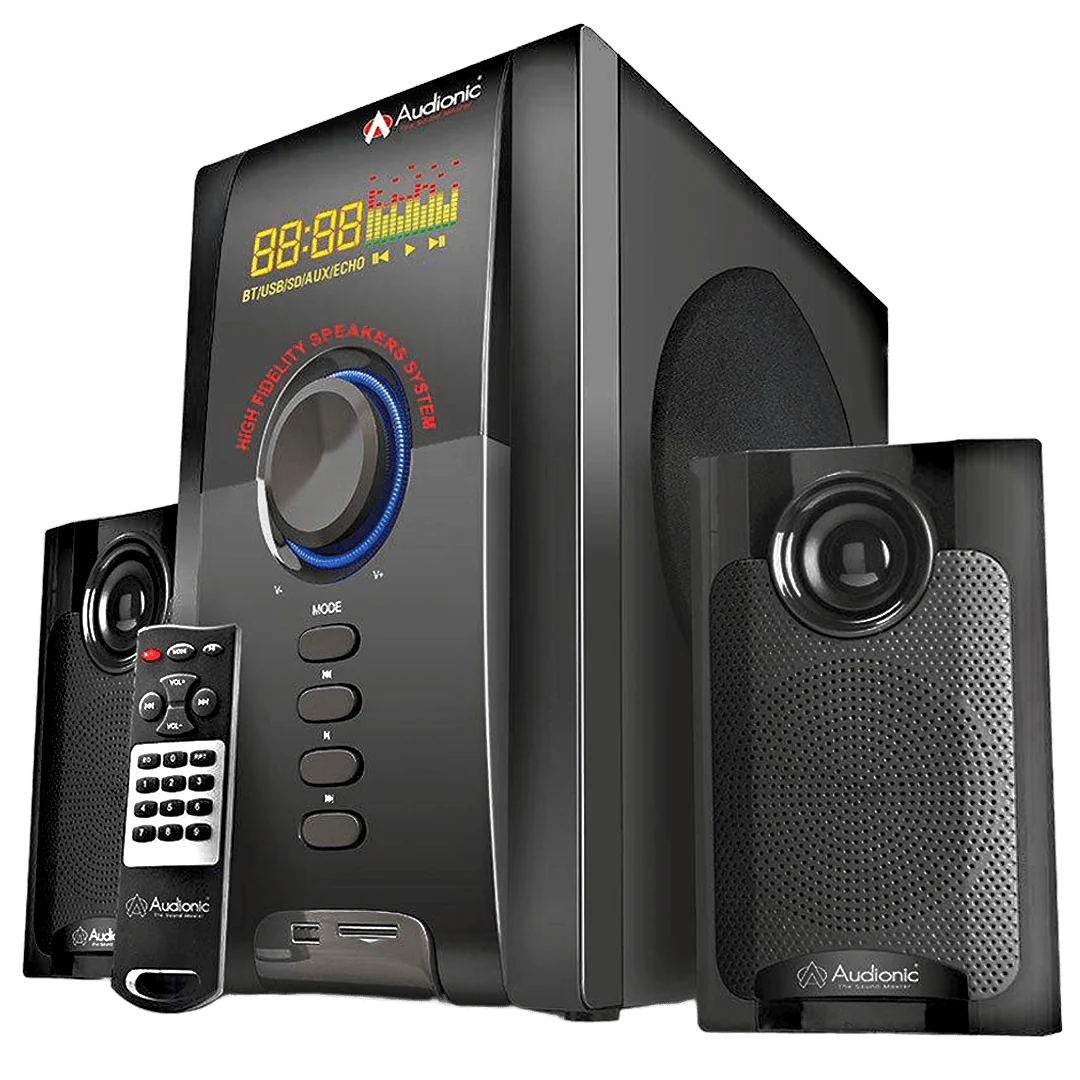
MAX 550 BT PLUS
Driver Unit
- Woofer Size: 5 inch
- Satellite 3: inch x 2
Power
- Woofer:10W
- Satellite: 5W x 2
Bluetooth
- Yes
Frequency
- 40Hz-20Khz
Features
- LED Display
- Aux Input
- USB Port
- Micro SD Card
- Remote Control
- Bluetooth
AC/DC Cable
- Yes
Warranty
- 1 year Warranty
About The Product
How do I connect my Max 550 BT Plus speaker system to my TV?
A: You can connect the system to your TV via an AUX cable. Plug one end into the Audio Output of your TV and the other end into the Audio Input of the Max 550 BT Plus. If your TV supports Bluetooth, you can also pair the speaker system wirelessly.
how do the controls on the Max 550 BT Plus speaker system?
The toggle controls on the Max 550 BT Plus and allow you to adjust volume, toggle between different audio sources, and switch the system on or off. The remote control provides additional controls including Bluetooth pairing and specific audio settings.
How do I pair my device via Bluetooth to the Max 550 BT Plus?
On your device, turn on Bluetooth and search for available devices. The Max 550 BT Plus should appear in the list. Select it to initiate pairing. If asked for a password, refer to your user manual, but many devices use '0000' or '1234'.
What can I do if one of my satellite speakers is not working?
Check to make sure all connections are secure and the speaker is properly powered. If the problem persists, the speaker may be faulty or the wire may be damaged. Consult your user manual or contact Audionic support.
How can I adjust the bass level on the Max 550 BT Plus?
You can adjust the bass level using the remote control. Look for the bass control button and adjust it to your liking.
Can I connect multiple devices to my Max 550 BT Plus at the same time?
Generally, the Max 550 BT Plus can only be connected to one audio source at a time. However, you can easily switch between devices by disconnecting the current device and pairing another.
What should I do if the sound quality is poor?
Make sure the audio source is of good quality. Poorly recorded or compressed audio will not sound good on any speaker system. Also, make sure the Max 550 BT Plus and the source device's volume are set appropriately - extreme high or low settings can distort sound.
Original: $32.12
-70%$32.12
$9.64More Images
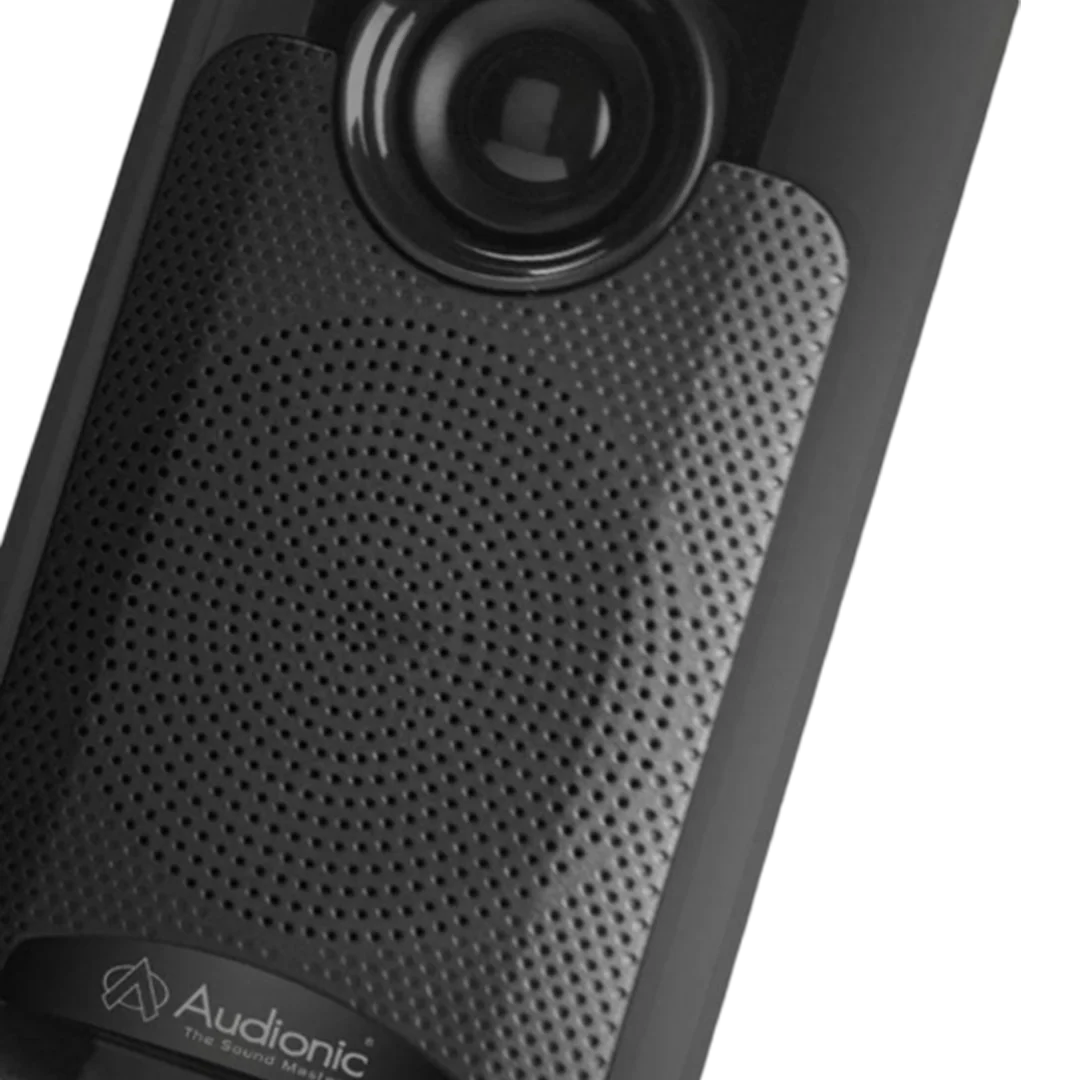
MAX 550 BT PLUS
Driver Unit
- Woofer Size: 5 inch
- Satellite 3: inch x 2
Power
- Woofer:10W
- Satellite: 5W x 2
Bluetooth
- Yes
Frequency
- 40Hz-20Khz
Features
- LED Display
- Aux Input
- USB Port
- Micro SD Card
- Remote Control
- Bluetooth
AC/DC Cable
- Yes
Warranty
- 1 year Warranty
About The Product
How do I connect my Max 550 BT Plus speaker system to my TV?
A: You can connect the system to your TV via an AUX cable. Plug one end into the Audio Output of your TV and the other end into the Audio Input of the Max 550 BT Plus. If your TV supports Bluetooth, you can also pair the speaker system wirelessly.
how do the controls on the Max 550 BT Plus speaker system?
The toggle controls on the Max 550 BT Plus and allow you to adjust volume, toggle between different audio sources, and switch the system on or off. The remote control provides additional controls including Bluetooth pairing and specific audio settings.
How do I pair my device via Bluetooth to the Max 550 BT Plus?
On your device, turn on Bluetooth and search for available devices. The Max 550 BT Plus should appear in the list. Select it to initiate pairing. If asked for a password, refer to your user manual, but many devices use '0000' or '1234'.
What can I do if one of my satellite speakers is not working?
Check to make sure all connections are secure and the speaker is properly powered. If the problem persists, the speaker may be faulty or the wire may be damaged. Consult your user manual or contact Audionic support.
How can I adjust the bass level on the Max 550 BT Plus?
You can adjust the bass level using the remote control. Look for the bass control button and adjust it to your liking.
Can I connect multiple devices to my Max 550 BT Plus at the same time?
Generally, the Max 550 BT Plus can only be connected to one audio source at a time. However, you can easily switch between devices by disconnecting the current device and pairing another.
What should I do if the sound quality is poor?
Make sure the audio source is of good quality. Poorly recorded or compressed audio will not sound good on any speaker system. Also, make sure the Max 550 BT Plus and the source device's volume are set appropriately - extreme high or low settings can distort sound.
Product Information
Product Information
Shipping & Returns
Shipping & Returns
Description
Driver Unit
- Woofer Size: 5 inch
- Satellite 3: inch x 2
Power
- Woofer:10W
- Satellite: 5W x 2
Bluetooth
- Yes
Frequency
- 40Hz-20Khz
Features
- LED Display
- Aux Input
- USB Port
- Micro SD Card
- Remote Control
- Bluetooth
AC/DC Cable
- Yes
Warranty
- 1 year Warranty
About The Product
How do I connect my Max 550 BT Plus speaker system to my TV?
A: You can connect the system to your TV via an AUX cable. Plug one end into the Audio Output of your TV and the other end into the Audio Input of the Max 550 BT Plus. If your TV supports Bluetooth, you can also pair the speaker system wirelessly.
how do the controls on the Max 550 BT Plus speaker system?
The toggle controls on the Max 550 BT Plus and allow you to adjust volume, toggle between different audio sources, and switch the system on or off. The remote control provides additional controls including Bluetooth pairing and specific audio settings.
How do I pair my device via Bluetooth to the Max 550 BT Plus?
On your device, turn on Bluetooth and search for available devices. The Max 550 BT Plus should appear in the list. Select it to initiate pairing. If asked for a password, refer to your user manual, but many devices use '0000' or '1234'.
What can I do if one of my satellite speakers is not working?
Check to make sure all connections are secure and the speaker is properly powered. If the problem persists, the speaker may be faulty or the wire may be damaged. Consult your user manual or contact Audionic support.
How can I adjust the bass level on the Max 550 BT Plus?
You can adjust the bass level using the remote control. Look for the bass control button and adjust it to your liking.
Can I connect multiple devices to my Max 550 BT Plus at the same time?
Generally, the Max 550 BT Plus can only be connected to one audio source at a time. However, you can easily switch between devices by disconnecting the current device and pairing another.
What should I do if the sound quality is poor?
Make sure the audio source is of good quality. Poorly recorded or compressed audio will not sound good on any speaker system. Also, make sure the Max 550 BT Plus and the source device's volume are set appropriately - extreme high or low settings can distort sound.